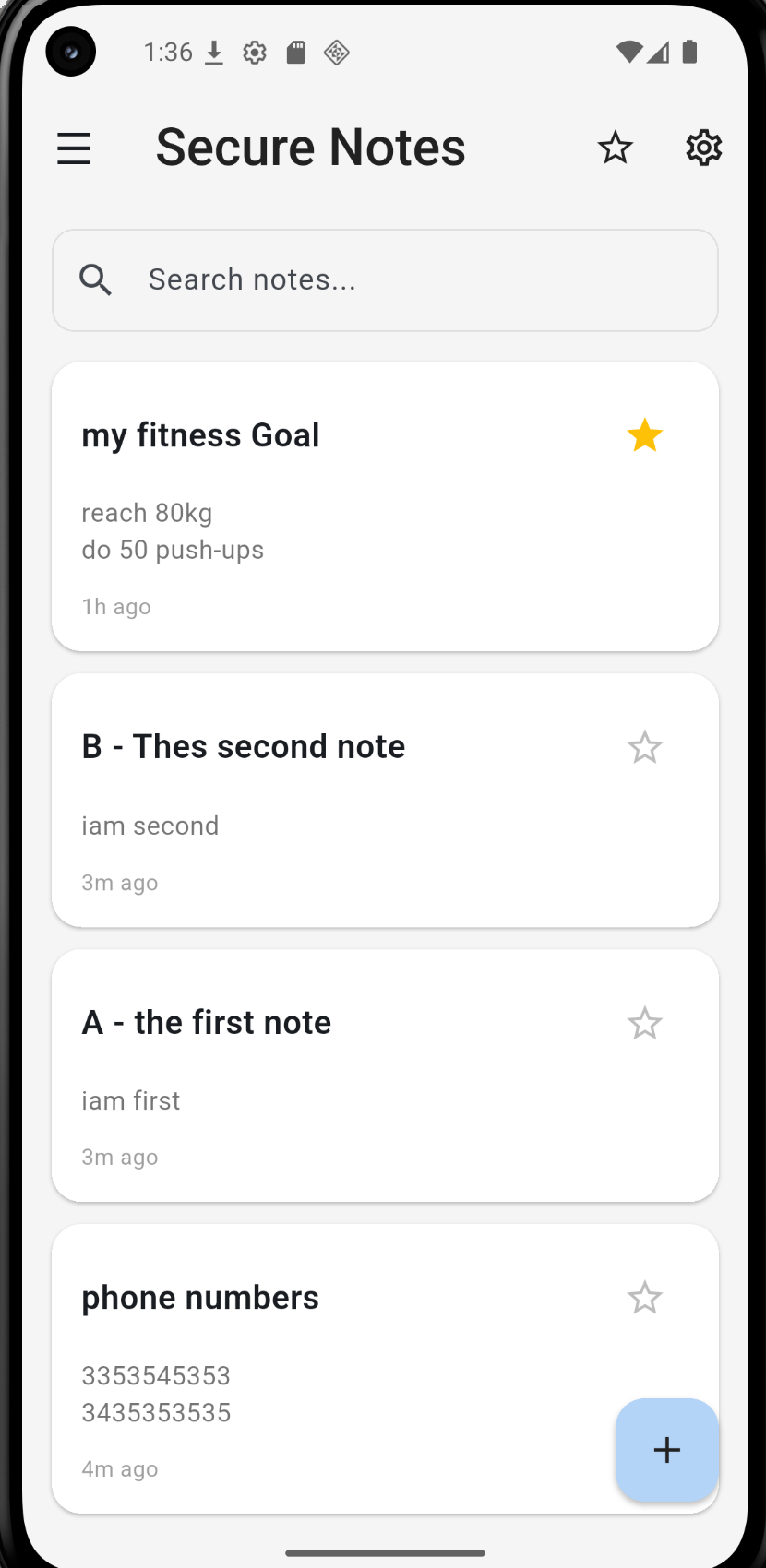
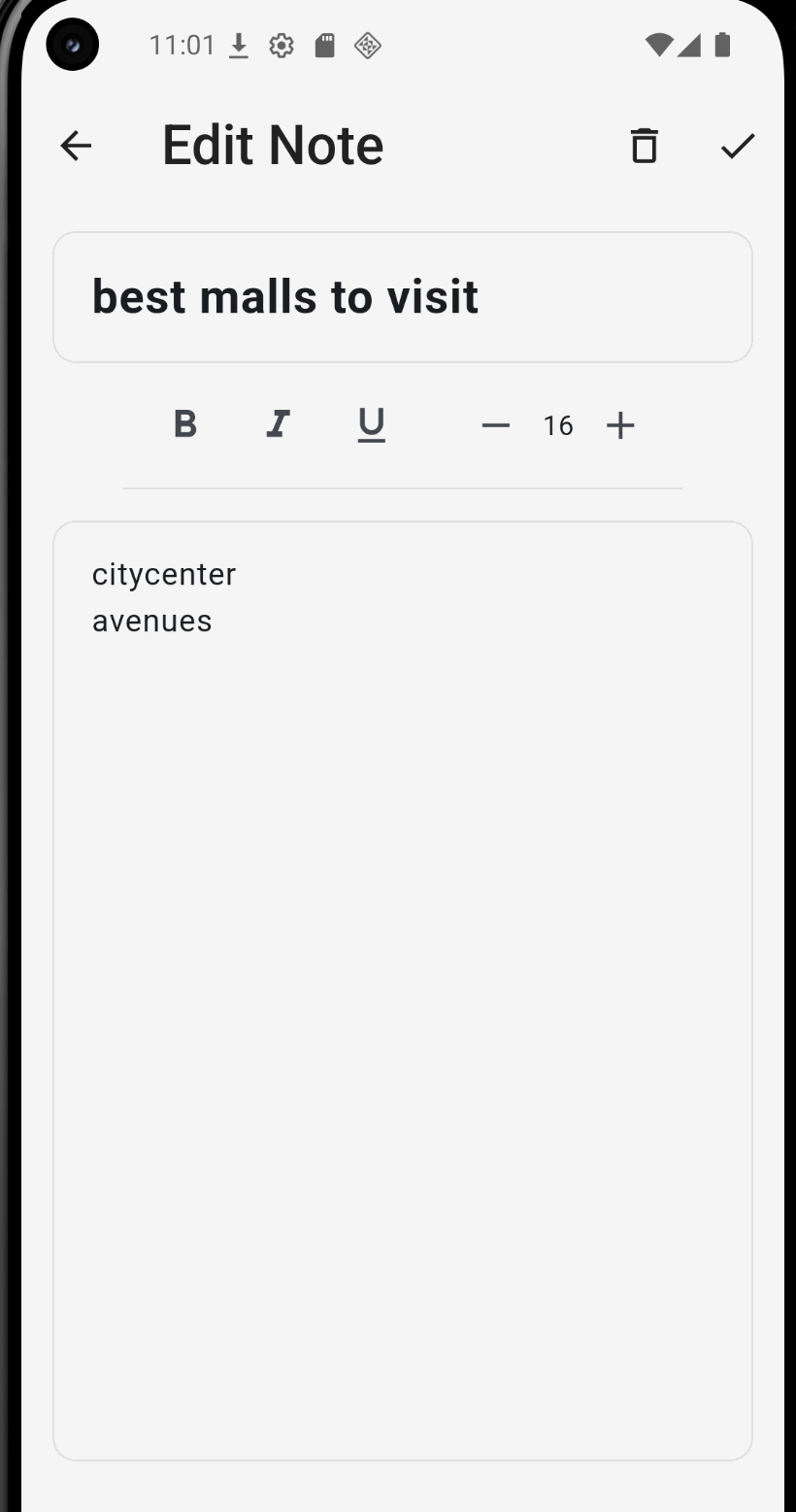
People store passwords, banking PINs, and private correspondence in note apps without considering what happens if their device is compromised. Most of these apps store data in plaintext databases that anyone with a USB cable and two minutes can read.
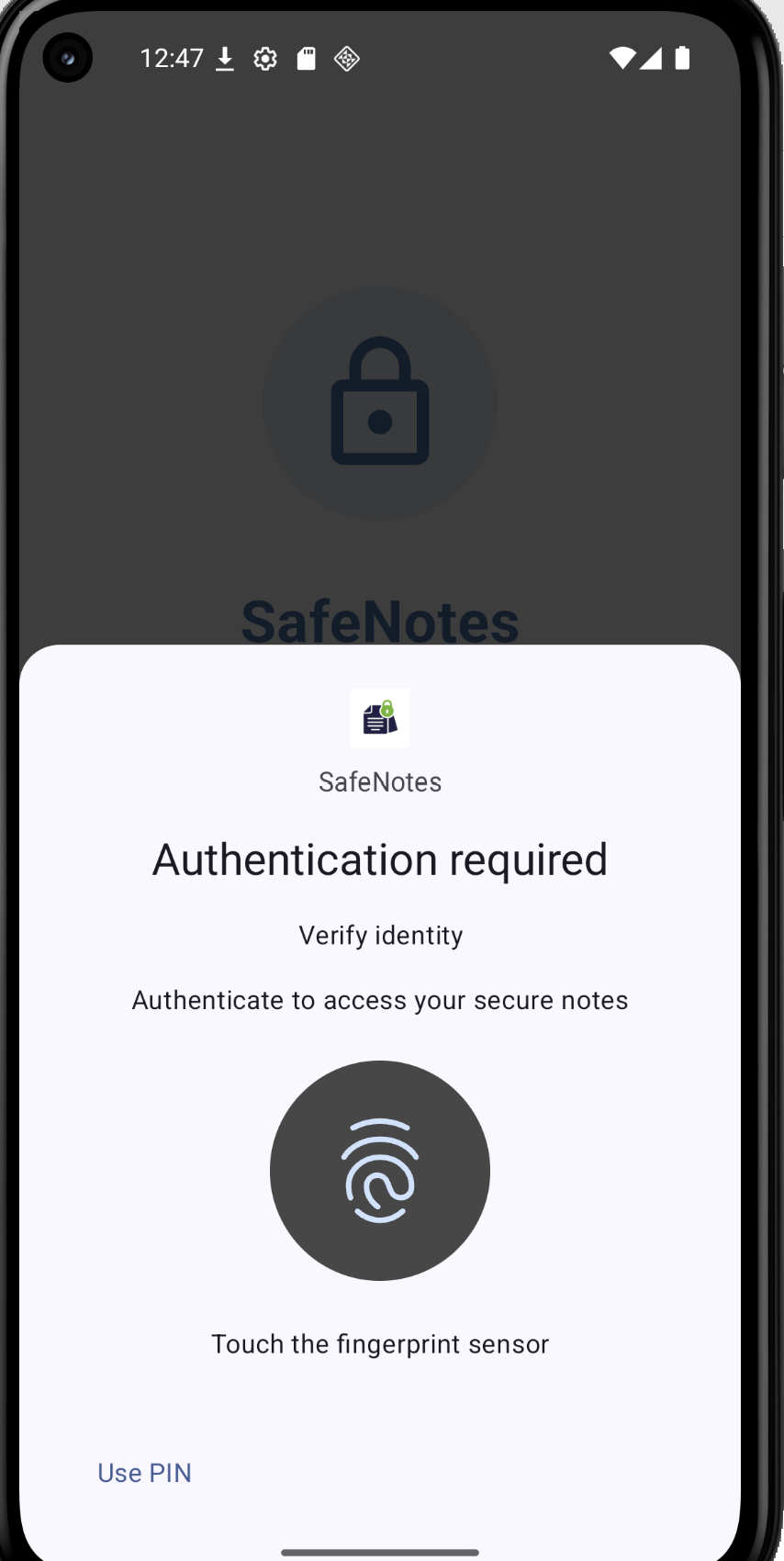
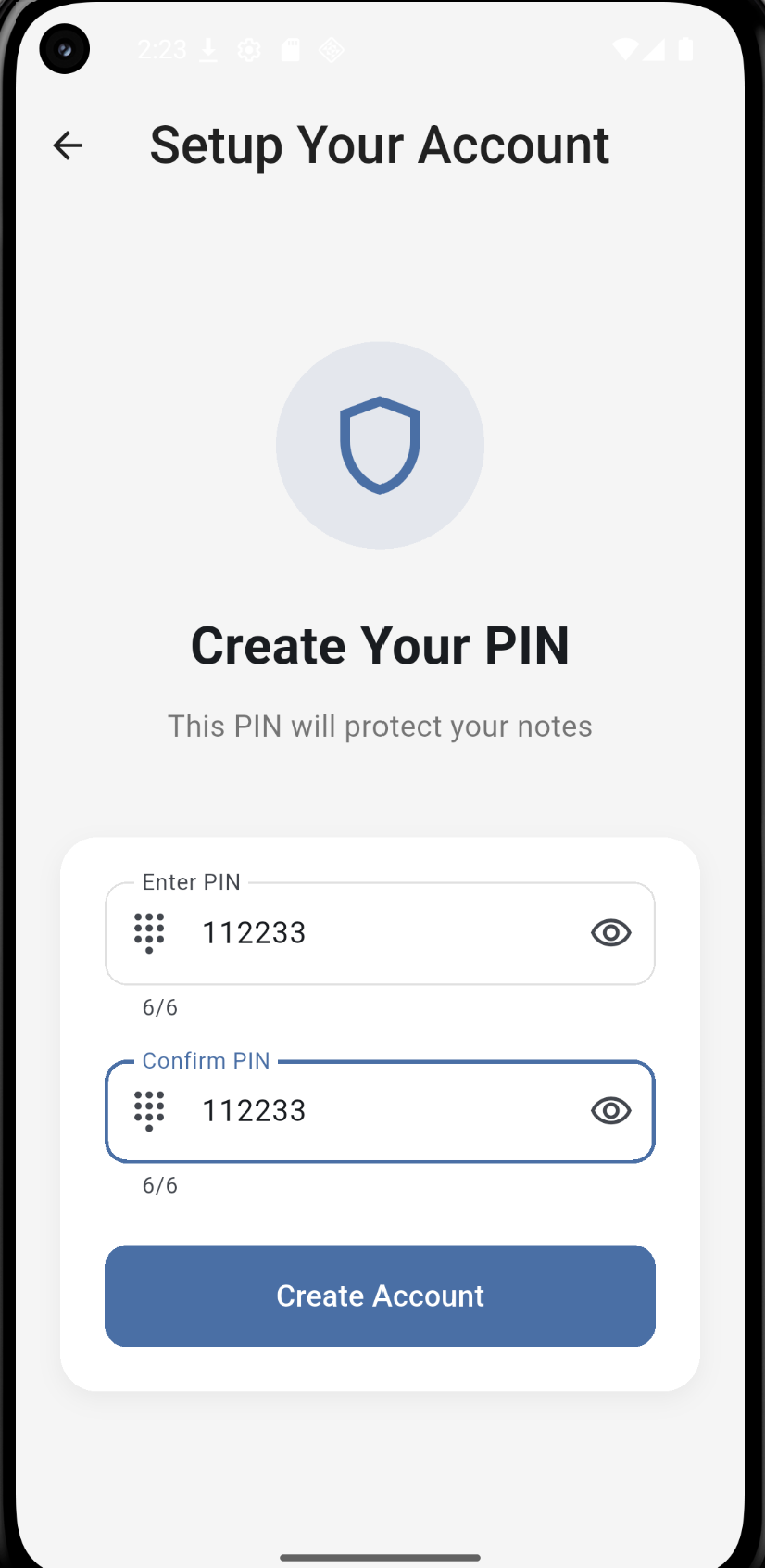
SafeNotes was built to close that gap. The entire database is encrypted at the file level using SQLCipher with AES-256 in CBC mode. Biometric authentication through the Android and iOS native APIs replaces the weak password-only model that most comparable apps rely on.
The app runs completely offline. Nothing is sent to any external server, which eliminates cloud-based vulnerabilities entirely while maintaining full functionality.
- Database-level encryption — extracting the file gets an attacker an unreadable binary
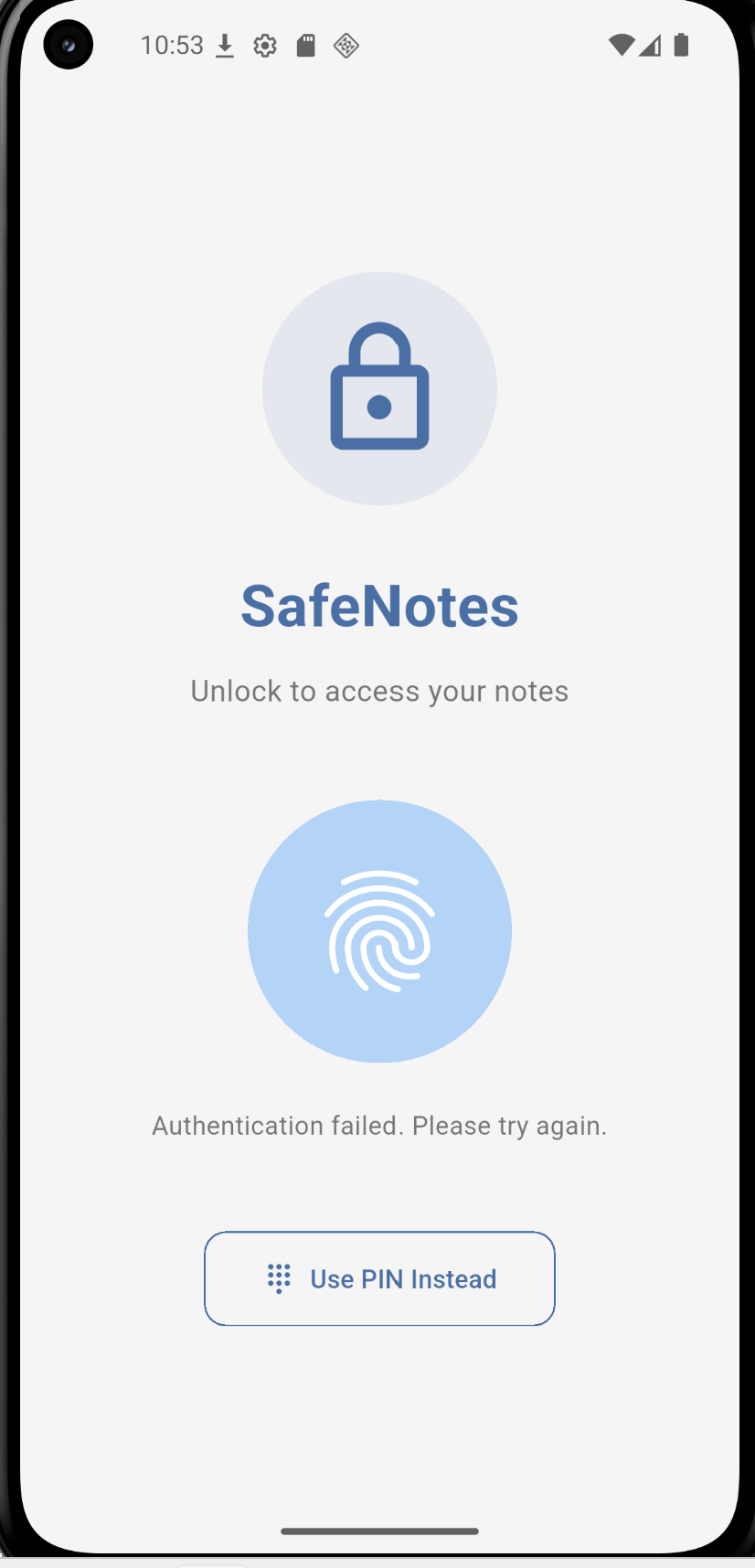
- Biometric authentication as the primary gate, with PIN fallback
- Per-note locking adds a second authentication checkpoint inside the app
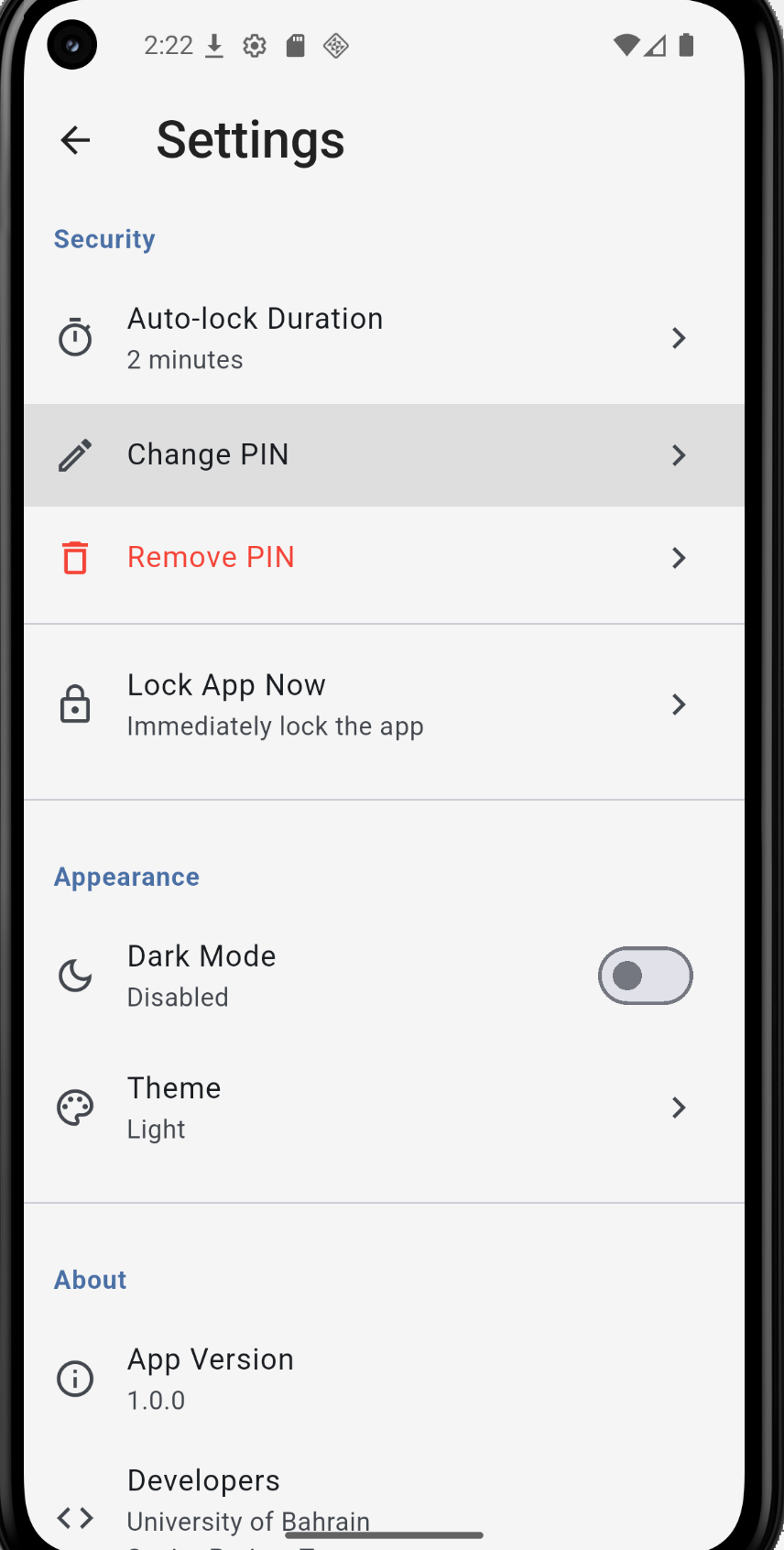
- Auto-lock closes the exposure window when the app is left unattended
- All 26 component tests and 26 system tests passed during verification